“Lenovo ThinkPad Thunderbolt 3 Dock Gen 2 -UK/HK/SGP/MYS” has been added to your cart. View cart
View wishlist“Original HP 709985-002 709985-001 710412-001 19.5V 3.33A Laptop Adapter/Charger” has been added to your wishlist
“HP 100W USB-C Charger for Spectre Fold 17 x360 16-aa0047nr, Pavilion Plus 14 14-ew1010nr, ZBook Firefly 14 16 G11, TPN-LA31, N57041-001, N56858-001.” has been added to your cart. View cart
Compare“Dell New Genuine inspiron 15 5000 series (5559) AC Adapter Charger Power Supply 65W” has been added to the compare list
“Dell Thunderbolt Dock WD19TB 180W” has been added to your cart. View cart
Compare“Lenovo Original Slim 170W AC Adapter (Slim-tip) with UK Power Cord – Retail Packaging” has been added to the compare list
“HP USB-C Dock G5 Dockingstationen” has been added to your cart. View cart
Compare“CLIC Marquetry Leather Case for iPhone 11 Pro” has been added to the compare list
“Lenovo ThinkPad Thunderbolt 3 Dock Gen 2 -UK/HK/SGP/MYS” has been added to your cart. View cart
Compare“Solo3 On-Ear Sound Isolating Bluetooth Headphones” has been added to the compare list
Compare“ThinkPad X1 Carbon Gen 8 (14”) Laptop” has been added to the compare list
Sale!
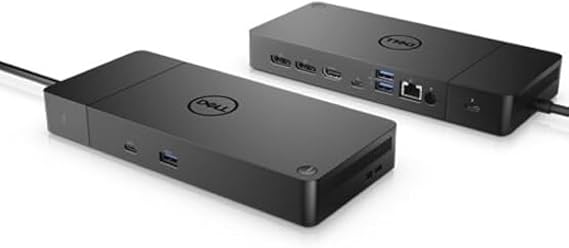
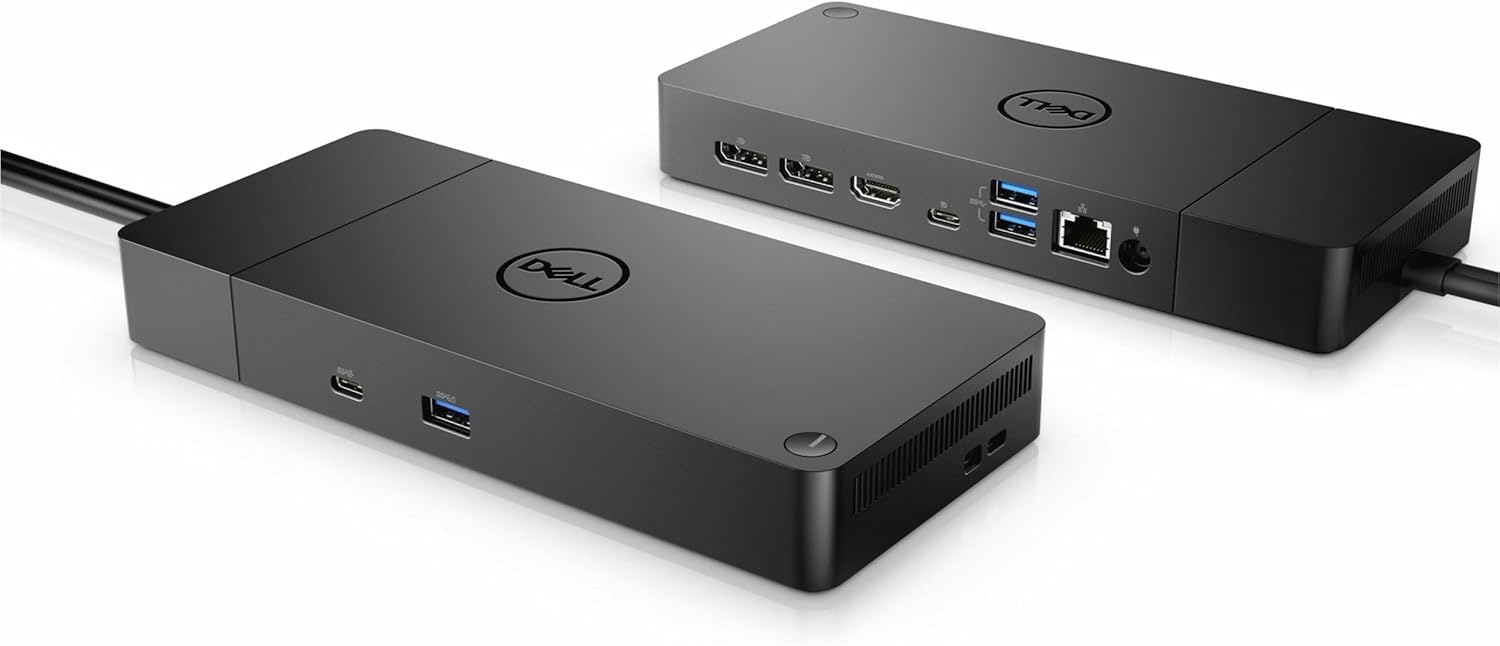
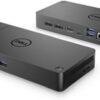
Dell Thunderbolt Dock- WD19TBS 130w Power Delivery
Brand
Dell
Colour
black
Hardware interface
Thunderbolt 3
Compatible devices
DELL Latitude E4200, DELL Latitude E4300, DELL Latitude E5400, DELL Latitude E5500, DELL Latitude E6400, DELL Latitude E6500, DELL Precision M2400, DELL Precision M4400, HP ProBook, Lenovo ThinkPad, ThinkPad Basic, ThinkPad Pro
Total USB ports
12
About this item
Docking Station: Dell Thunderbolt Dock WD19TBS offers the greatest compatibility across Dell Commercial laptops. The WD19TBS dock is also compatible with notebooks from other manufacturers such as HP and Lenovo which support industry standards for Thunderbolt docking
Ultimate Connectivity: Thunderbolt connectivity makes it easier than ever to deliver power, data, audio, and video as well as connect to system peripherals, no matter what system you use. Plus, with support for up to three displays, including a single 5K and dual 4K monitors, you can connect to everything you need
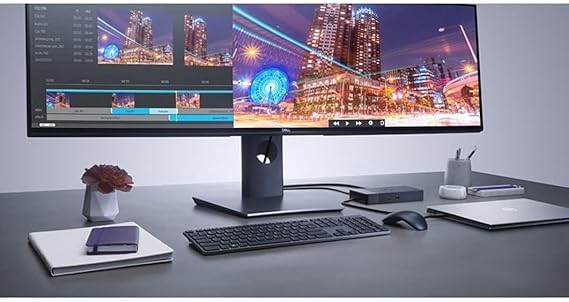
Clean and Clutter-free: Stay productive by mounting your dock behind your monitor or under your desk with the optional, secure VESA Mount, that offers complete flexibility with the built-in 0.8-meter cable
Optimize Your Workspace: Work without disruptions utilizing a single firmware on our most manageable docks ever. Plus, with Dell Client Command Suite and Microsoft System Center Configuration Manager, you can quickly and easily update your firmware without rebooting your dock
Secure Manageability: Keep your information safe with MAC Address pass-thru and remote port-disablement. Plus, with features like PXE Boot, Wake-on-LAN, and more, it’s easier than ever to stay productive while managing your dock






Reviews
There are no reviews yet.